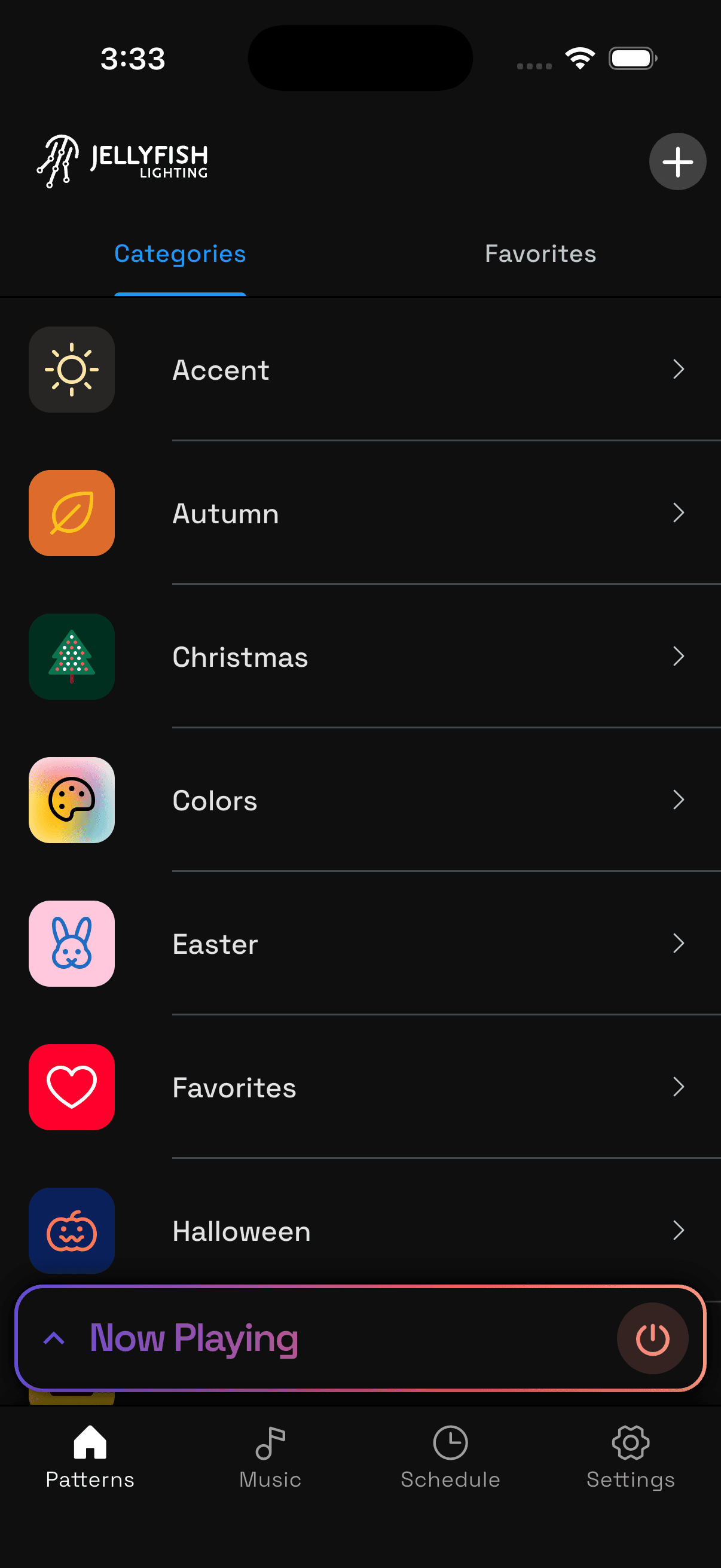
Time to live brighter with JellyFish Lighting
Create patterns
Advanced scheduling
Precise accent lighting
Zoning
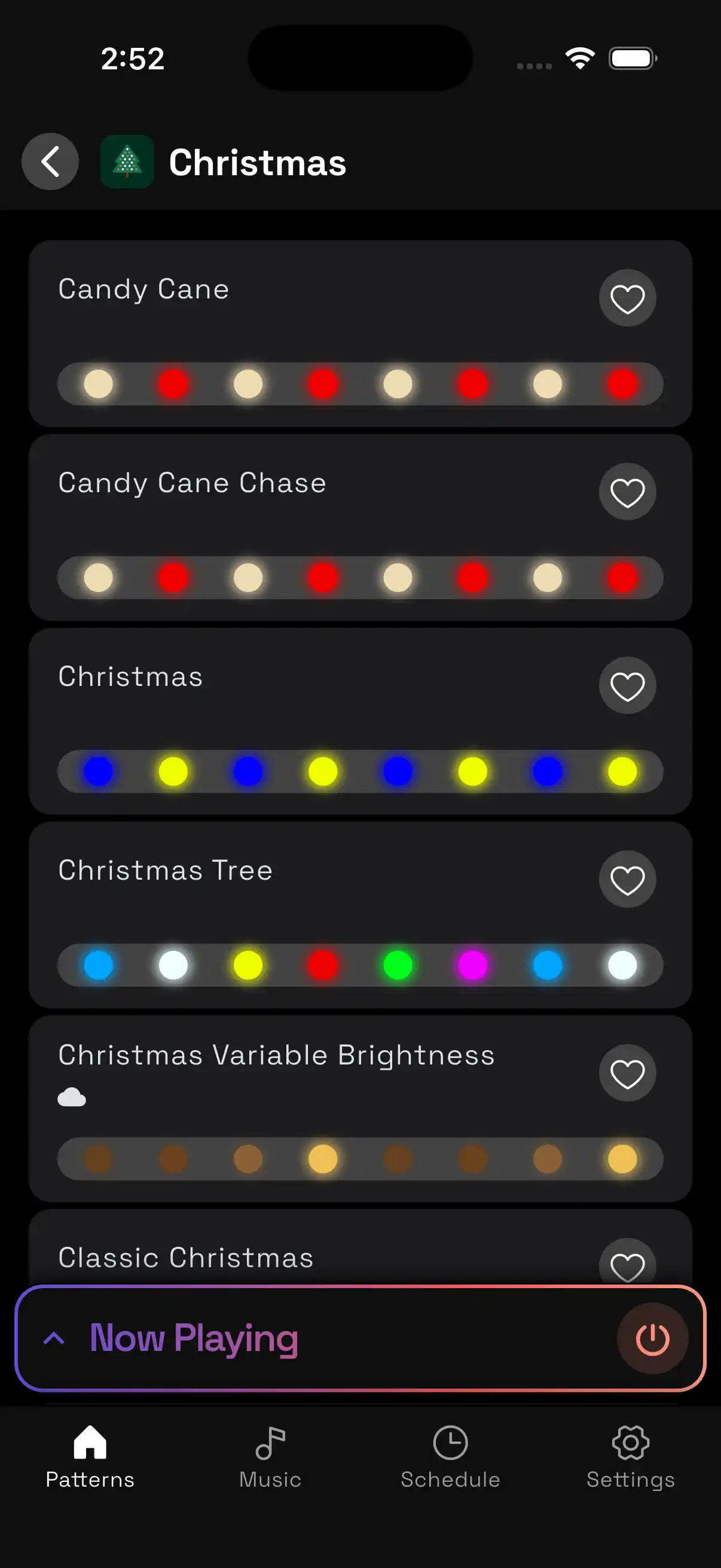
Play patterns
Select from hundreds of patterns for nightly accent lighting, holidays, parties, and more.
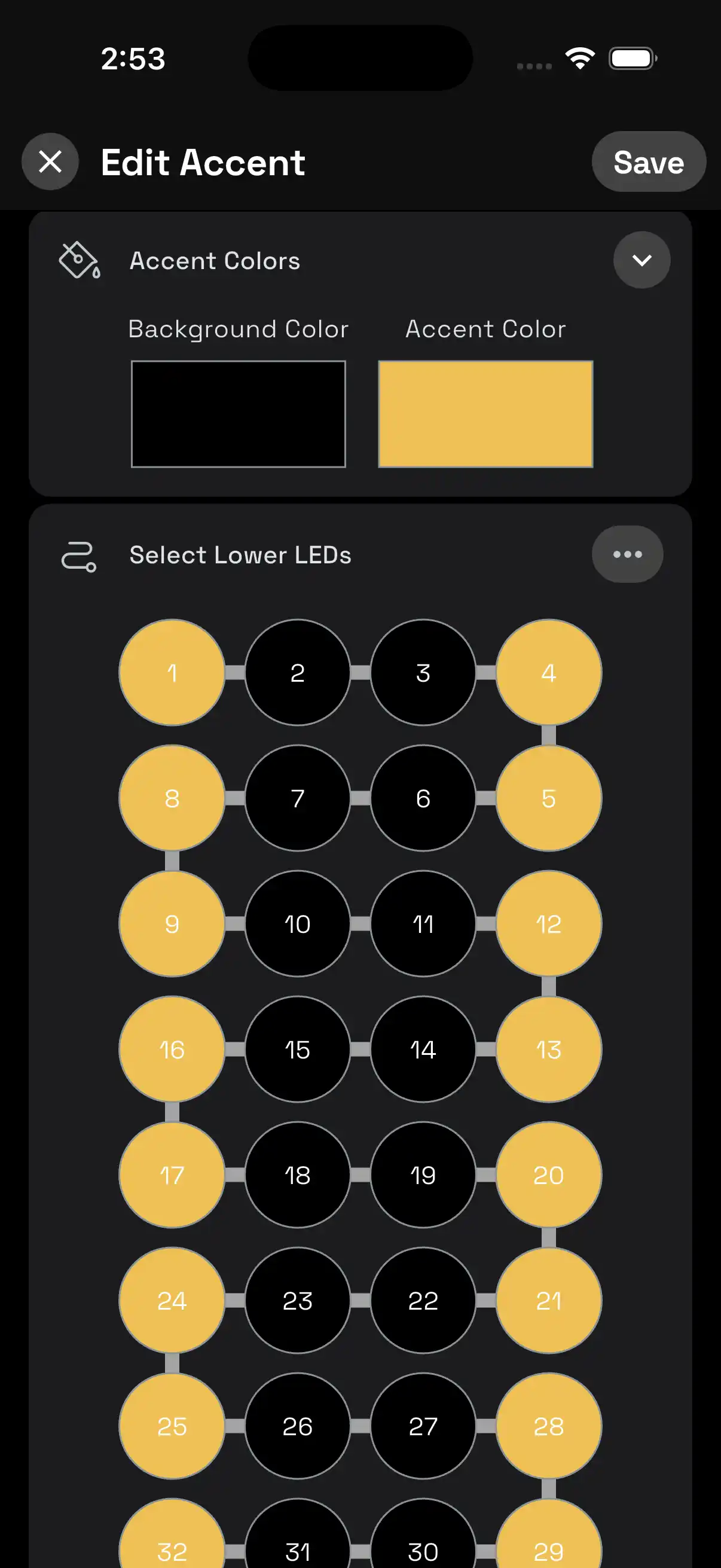
Precise accent lighting
Control each individual light on Accent Lighting patterns. Select a zone, and tap lights in the zone to turn each one on and off. Perfectly match the peaks and valleys of your trim.
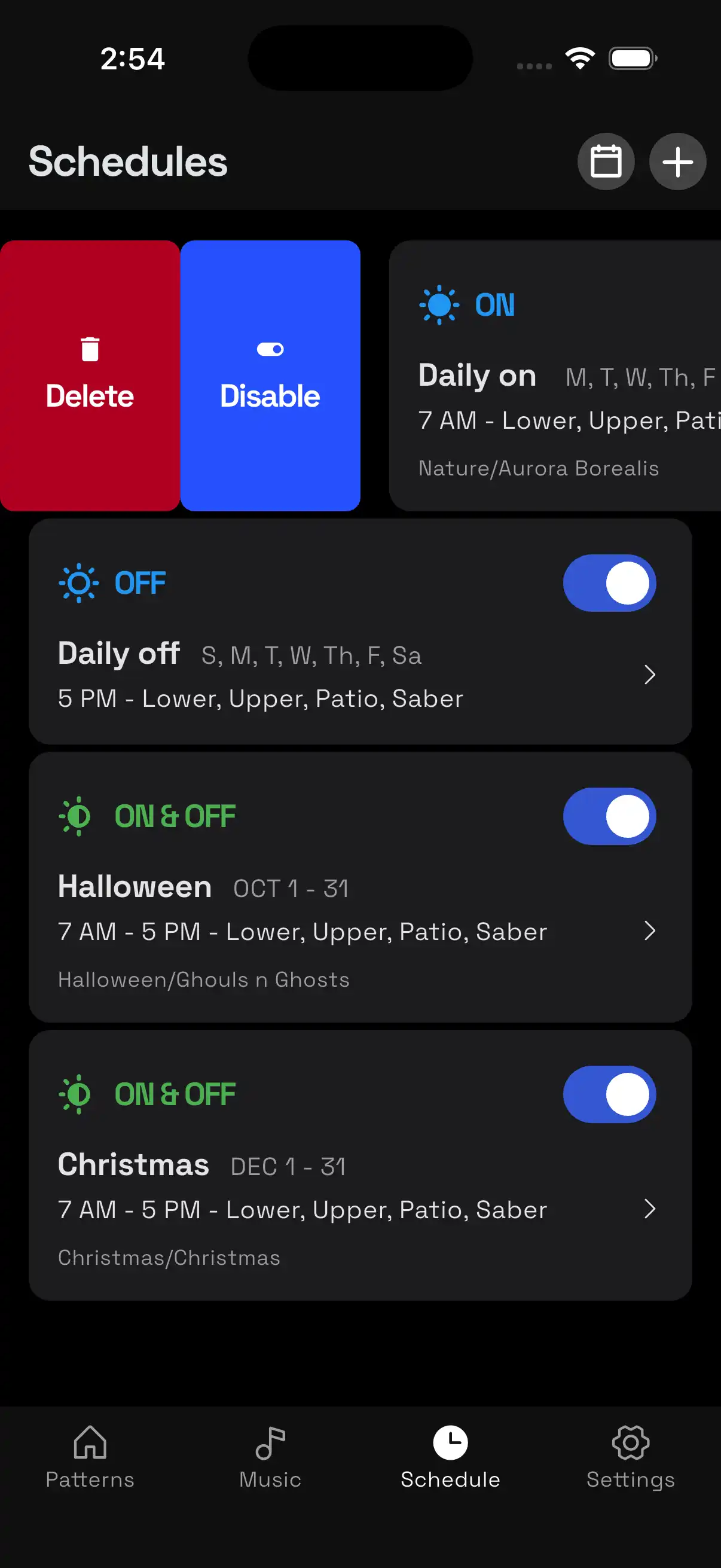
Swipe for actions
Swipe right on Patterns, Schedules, and Controllers for quick actions like Edit, Disable, and Delete.
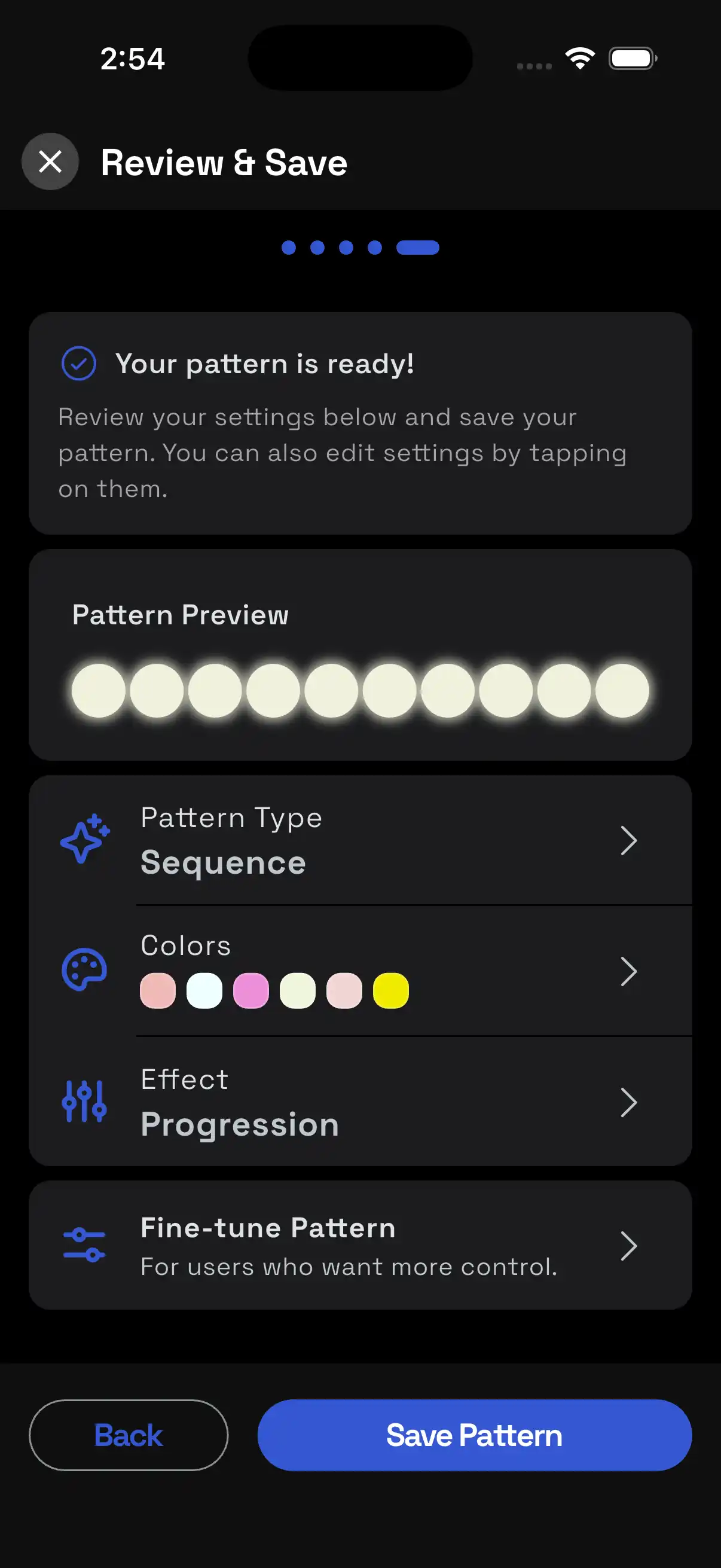
Create patterns
Make patterns for any special occasion.
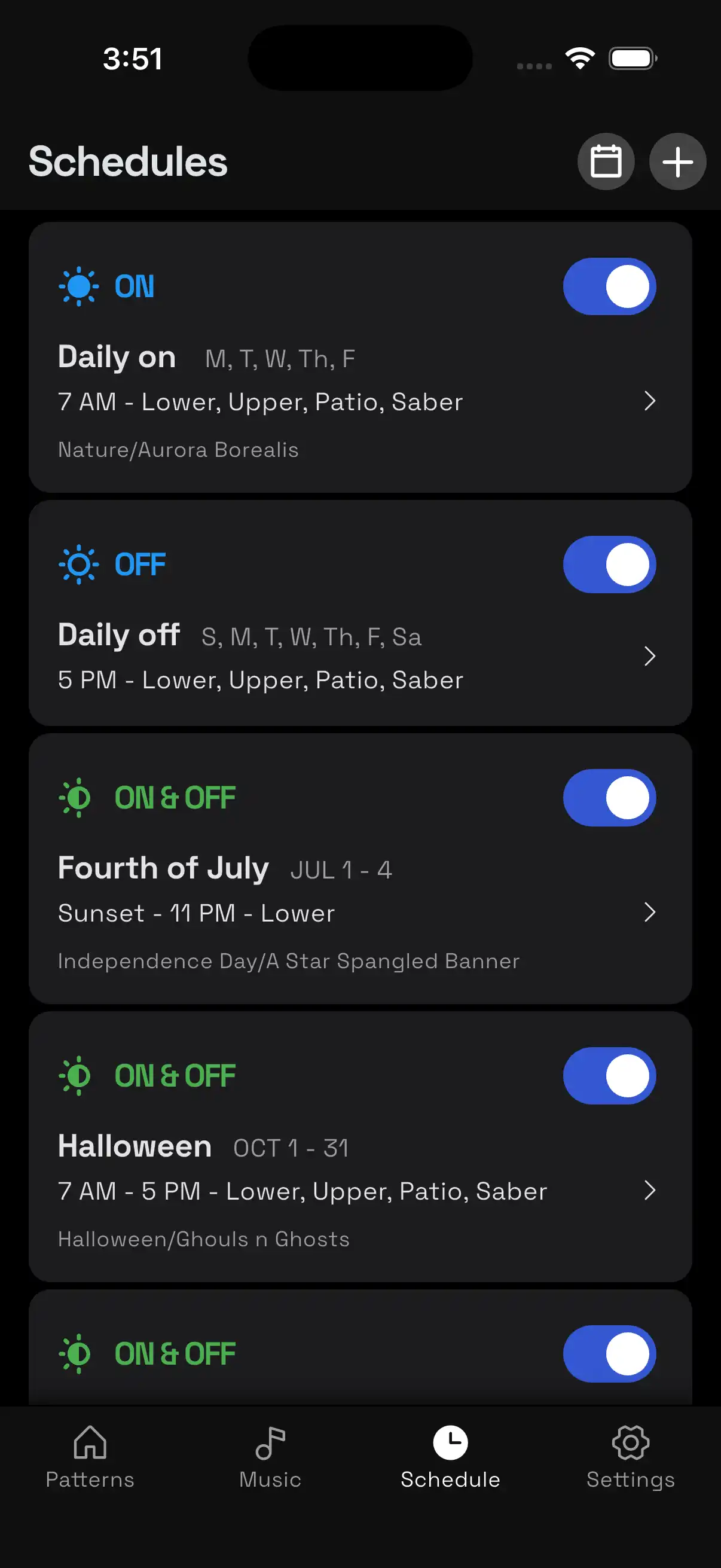
Advanced scheduling
Schedule your lights to turn on nightly for accent lighting or for specific days throughout the year for holidays.
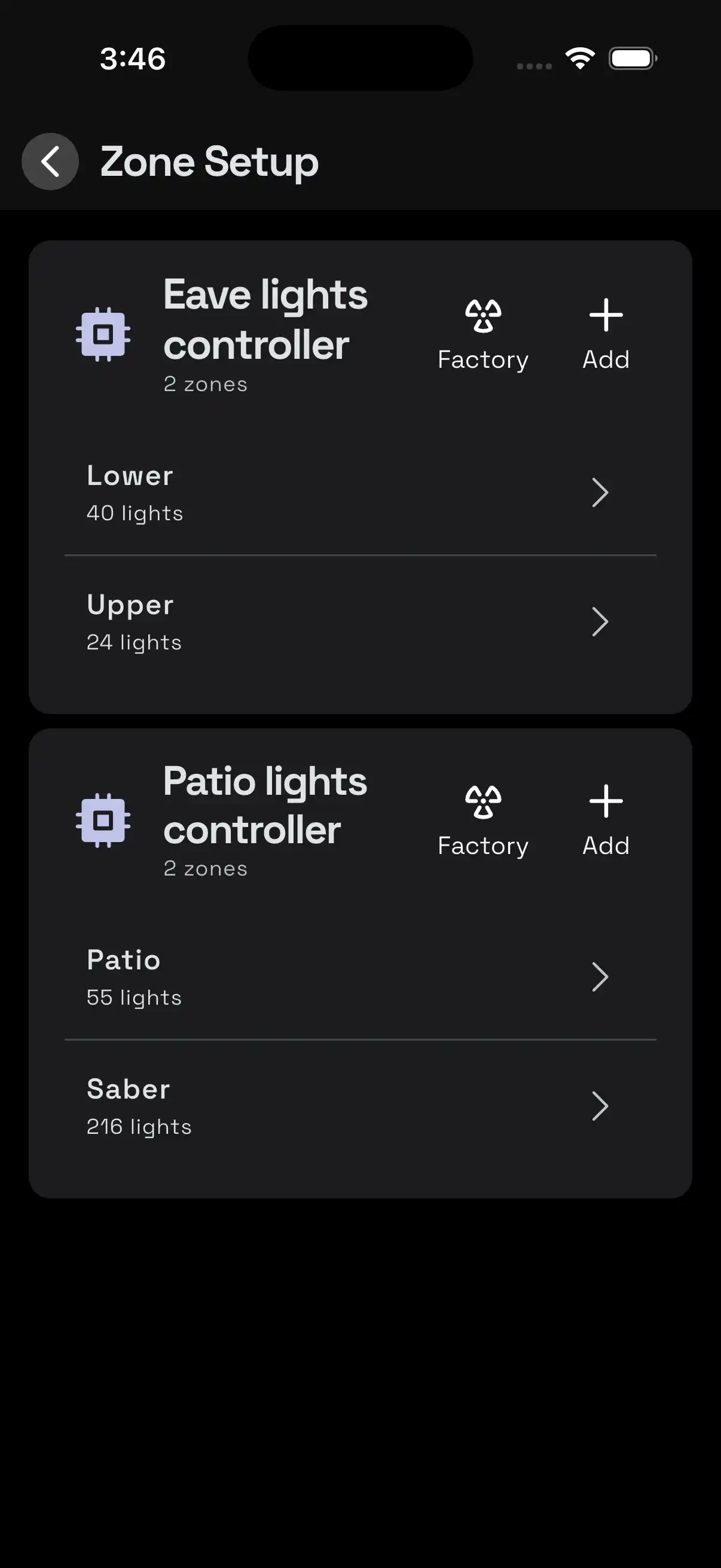
Zoning
Control sections of your property independently. For example, the front seperately from the back.
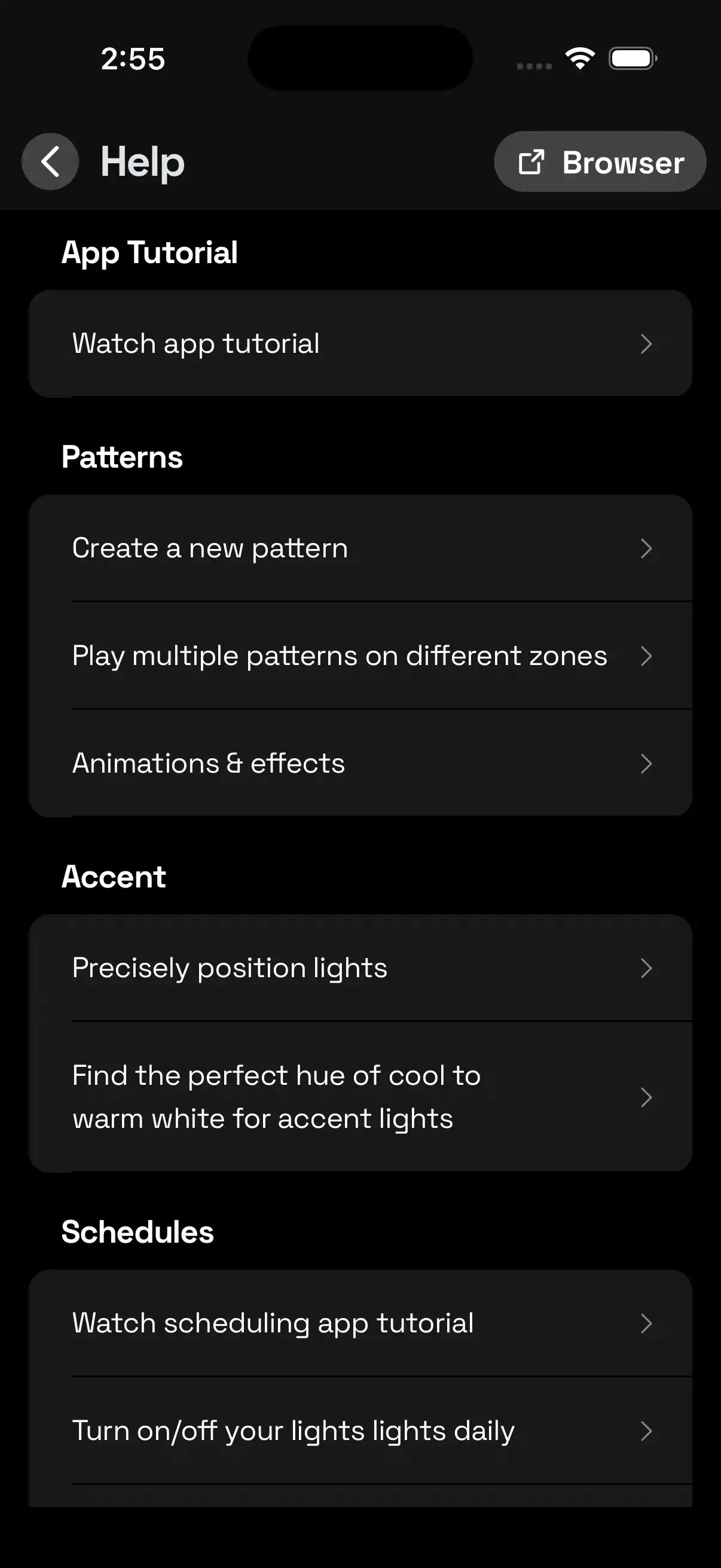
Support center
Keep up to date with our latest release notes, best practices & tutorials, or get help through the settings tab
Time to live brighter with JellyFish Lighting
Create patterns
Advanced scheduling
Precise accent lighting
Zoning
Play patterns
Select from hundreds of patterns for nightly accent lighting, holidays, parties, and more.
Precise accent lighting
Control each individual light on Accent Lighting patterns. Select a zone, and tap lights in the zone to turn each one on and off. Perfectly match the peaks and valleys of your trim.
Swipe for actions
Swipe right on Patterns, Schedules, and Controllers for quick actions like Edit, Disable, and Delete.
Create patterns
Make patterns for any special occasion.
Advanced scheduling
Schedule your lights to turn on nightly for accent lighting or for specific days throughout the year for holidays.
Zoning
Control sections of your property independently. For example, the front seperately from the back.
Support center
Keep up to date with our latest release notes, best practices & tutorials, or get help through the settings tab
Time to live brighter with JellyFish Lighting
Create patterns
Advanced scheduling
Precise accent lighting
Zoning
Play patterns
Select from hundreds of patterns for nightly accent lighting, holidays, parties, and more.
Precise accent lighting
Control each individual light on Accent Lighting patterns. Select a zone, and tap lights in the zone to turn each one on and off. Perfectly match the peaks and valleys of your trim.
Swipe for actions
Swipe right on Patterns, Schedules, and Controllers for quick actions like Edit, Disable, and Delete.
Create patterns
Make patterns for any special occasion.
Advanced scheduling
Schedule your lights to turn on nightly for accent lighting or for specific days throughout the year for holidays.
Zoning
Control sections of your property independently. For example, the front seperately from the back.
Support center
Keep up to date with our latest release notes, best practices & tutorials, or get help through the settings tab
Time to live brighter with JellyFish Lighting
Create patterns
Advanced scheduling
Precise accent lighting
Zoning
Play patterns
Select from hundreds of patterns for nightly accent lighting, holidays, parties, and more.
Precise accent lighting
Control each individual light on Accent Lighting patterns. Select a zone, and tap lights in the zone to turn each one on and off. Perfectly match the peaks and valleys of your trim.
Swipe for actions
Swipe right on Patterns, Schedules, and Controllers for quick actions like Edit, Disable, and Delete.
Create patterns
Make patterns for any special occasion.
Advanced scheduling
Schedule your lights to turn on nightly for accent lighting or for specific days throughout the year for holidays.
Zoning
Control sections of your property independently. For example, the front seperately from the back.
Support center
Keep up to date with our latest release notes, best practices & tutorials, or get help through the settings tab