The JellyFish Pro2 Controller supports up to 350 LED lights over 263 feet. By adding Power Supplies, its capabilities expand, with each supply increasing the range by 263 feet. A single controller, combined with multiple power supplies, can manage up to 3,200 LED lights over 2,400 feet, providing flexible and robust lighting control. This manual offers a comprehensive guide including:
Specifications: Outlines voltage, current, and environmental requirements for safe operation.
Installation Instructions: Provides step-by-step guidance for mounting the controller and installing the power supply, including tips for optimal placement and securing connections.
Wiring Guidelines: Details how to connect LED strands and additional power supplies, ensuring proper strain relief and secure connections to prevent overloads.
Controller Interface and Operation: Explains the functions of each button on the controller and how to use the mobile app for pattern selection and system management.
Troubleshooting: Offers solutions for common issues such as LEDs not turning on, WiFi connectivity problems, and pattern selection errors.
Maintenance and Safety Tips: Provides best practices for regular system checks and safe operation, including tips for extending the lifespan of your controller and LEDs.
Specifications
Model
Pro2 Controller, Power Supply
Input Voltage
85-130 VAC
Output Voltage
48 VDC
Input Current
7 A
Output Current
8 A
Frequency
47-63 Hz
Operating Ambient Temperature
-5 to 110 F
Maximum Lights/Distance ft
350 / 263 ft
Color Programs
>16 million colors with 20 animations
Environment
Indoor / Outdoor
Dimensions
11.5 W x 11.5 H x 3.5 D in
Warranty
5-year parts
Certification
TBD
Installation
Mounting the Controller
1
Location selection
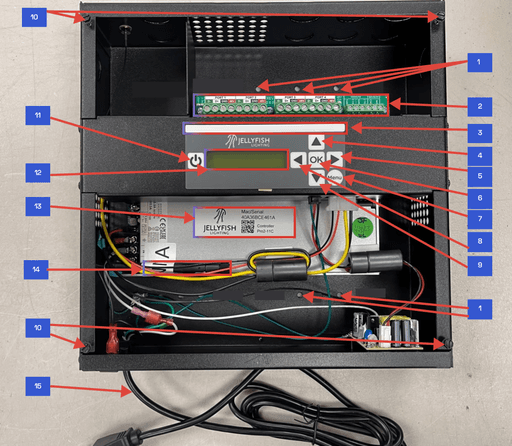
Choose an interior wall at least 3 inches from any corner and 2 feet 4 inches from the ground.
Tip
Avoid placing controllers in areas with high humidity or direct sunlight to ensure longevity.
2
Mounting process
Use the mounting holes indicated on the controller’s back panel.
Secure the controller with #6 to #10 screws. Ensure at least one screw is anchored to a stud or wall anchor rated for at least 15 lbs.
Tip
Use a level to ensure the controller is mounted straight for easier access and operation.
3
Cover installation
After connecting the LED strands, align the controller cover with the mounting holes and secure it using the provided #8 x 1/2" Type A Self-Tapping slotted hex screws.
Tip
Double-check all connections before securing the cover to avoid reopening the unit for adjustments.
Power supply installation
1
Connection
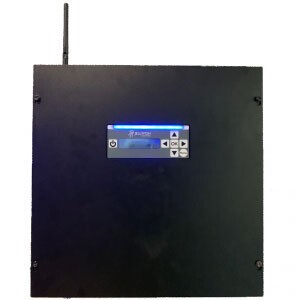
Connect the power supply to the controller using the provided cable. Match the green wire to CTRL and the white wire to GND.
Tip
Label your wires if necessary to ensure correct connections, especially in complex installations.
2
Power cord
Plug the power supply into a standard 110V outlet capable of providing 800 watts.
Tip
Use a surge protector to protect the power supply from voltage spikes.
Wiring
Mounting the Controller
1
Location selection
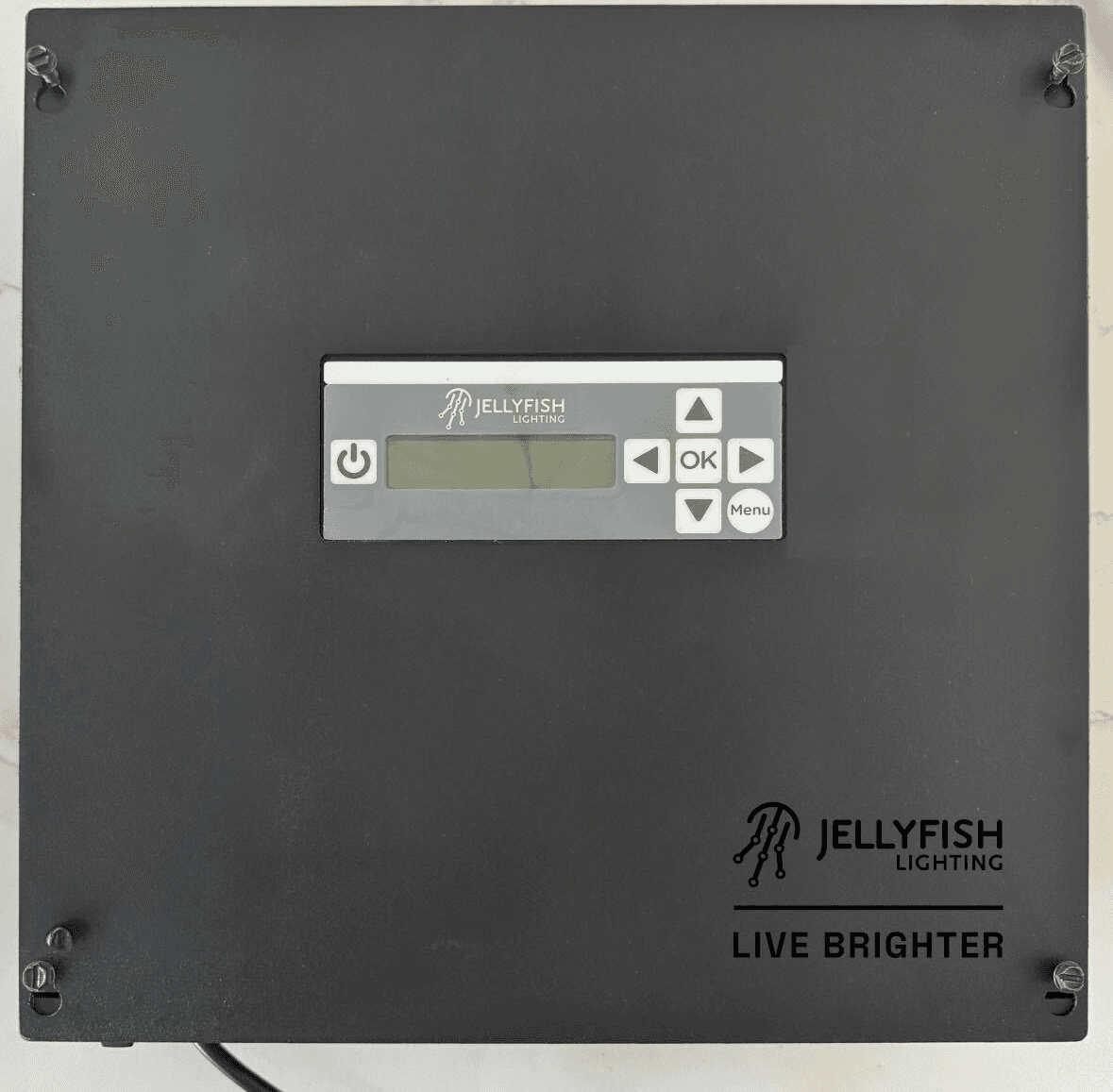
Choose an interior wall at least 3 inches from any corner and 2 feet 4 inches from the ground.
Tip
Avoid placing controllers in areas with high humidity or direct sunlight to ensure longevity.
2
Mounting process
Use the mounting holes indicated on the controller’s back panel.
Secure the controller with #6 to #10 screws. Ensure at least one screw is anchored to a stud or wall anchor rated for at least 15 lbs.
Tip
Use a level to ensure the controller is mounted straight for easier access and operation.
3
Cover installation
After connecting the LED strands, align the controller cover with the mounting holes and secure it using the provided #8 x 1/2" Type A Self-Tapping slotted hex screws.
Tip
Double-check all connections before securing the cover to avoid reopening the unit for adjustments.
Power supply installation
1
Connection
Connect the power supply to the controller using the provided cable. Match the green wire to CTRL and the white wire to GND.
Tip
Label your wires if necessary to ensure correct connections, especially in complex installations.
2
Power cord
Plug the power supply into a standard 110V outlet capable of providing 800 watts.
Tip
Use a surge protector to protect the power supply from voltage spikes.